

01
Pay with Open Banking
Pay directly from your UK bank account using Open Banking.
HSBC UK
Barclays
+ More 
From the UK, Canada, Europe, Australia, or New Zealand, check today's exchange rates, choose how you want to pay, and send money directly to a mobile wallet.

Get the app, choose where you’re sending from, and sign up with your email, Apple or Google.
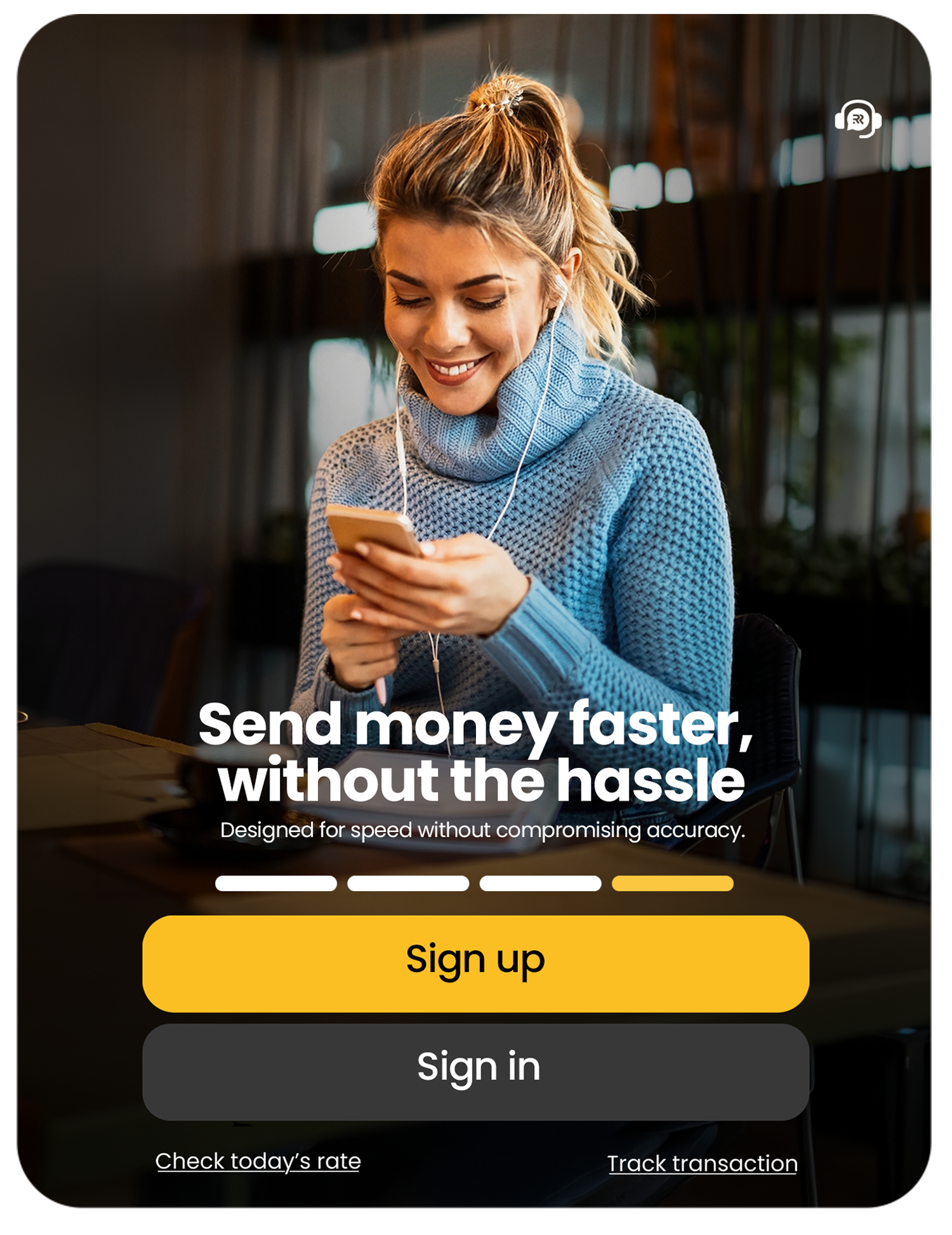
Enter the amount, add your recipient and choose how you’ll pay and how they’ll receive it.


Check the rate, fee, and recipient amount, confirm-send and track your transfer.

Choose the payment method that works for where you're sending from. Options vary by country.


Third-party names, logos, and trademarks displayed on this platform are the registered property of their respective owners. Their display does not imply any direct relationship, affiliation, sponsorship, or endorsement by or with Roze Remit. All such assets are used strictly for customer identification purposes to indicate network payout availability. Payout methods, banks, and wallet options vary by corridor
Pay directly from your UK bank account using Open Banking.
Pay securely using an eligible debit or credit card.
Pay quickly and securely using Apple Pay.
Pay quickly and securely using Google Pay.


Check today’s exchange rate and the amount your recipient will receive before you confirm.

Any transfer fee is displayed before you send, so you can review the complete transfer amount upfront.

Set it up, choose how to pay and track every step in the app. Your recipient can follow along too, using the transfer tracking code.
From your first transfer to every other after it, keep the whole journey in one place.
Signup, add your recipient, choose your transfer options, scan your ID — send and track every step.
Use saved recipients, recent transfers and resend to get your next transfer moving.
Download remittance certificates and e-statements, share receipts and get help—all within the app.

Getting started with Roze Remit only takes a few minutes:
That's it — your Roze Remit profile has been successfully created!
Before sending money, you must complete your profile and verify your identity by submitting the required documents. Once verified, you can start a transfer by selecting a recipient, entering the amount, and filling in the required receiving details.
Payout options vary depending on the receiving country and may include bank deposit, mobile wallet, and cash pickup. You can view all available payout options for your selected receiving country while creating a transfer.
We currently accept only personal Visa and Mastercard debit or credit cards. Business cards and business accounts are not supported.
The amount your recipient can receive in Guinea may vary depending on the payout method and applicable transfer limits. If your transfer exceeds the applicable limit, you will be notified during the transfer process.
Transfer fees may apply depending on your chosen payment method and the amount you are sending. Any applicable fees will be clearly shown before you confirm your transfer.
Transfers are usually completed quickly once your payment is received and the necessary checks are complete. Delivery times may vary depending on the payment and payout method selected.